


As a supplier of Camera 4K PC, I often receive inquiries from customers about the maximum recording time of our devices. This is a crucial question, especially for those who rely on continuous recording for various purposes, such as surveillance, live streaming, or content creation. In this blog post, I will delve into the factors that determine the maximum recording time of a 4K PC camera and provide some insights to help you make an informed decision.
Understanding 4K Resolution and Its Impact on Recording Time
Before we discuss the maximum recording time, it's essential to understand what 4K resolution means and how it affects the amount of data generated during recording. 4K resolution refers to a horizontal display resolution of approximately 4,000 pixels. In the context of video, 4K typically refers to a resolution of 3840 x 2160 pixels, which is four times the resolution of Full HD (1920 x 1080 pixels).
The higher the resolution, the more data is required to capture and store the video. This means that 4K videos consume significantly more storage space than lower-resolution videos. For example, a one-minute 4K video recorded at 30 frames per second (fps) can take up anywhere from 300 MB to 1 GB of storage space, depending on the codec and compression settings used.
Factors Affecting the Maximum Recording Time
Several factors influence the maximum recording time of a 4K PC camera. Let's take a closer look at each of these factors:
Storage Capacity
The most obvious factor is the storage capacity of the device used to store the recorded videos. Whether you're using an internal hard drive, an external hard drive, or a cloud storage service, the amount of available storage space will determine how long you can record continuously.
For example, if you have a 1 TB hard drive and your 4K videos consume an average of 500 MB per minute, you can record approximately 2,000 minutes (or 33.3 hours) of video before running out of storage space. However, it's important to note that you should leave some free space on your hard drive to ensure optimal performance and prevent data corruption.
Bitrate
The bitrate is another crucial factor that affects the recording time. Bitrate refers to the amount of data transferred per unit of time, usually measured in kilobits per second (kbps) or megabits per second (Mbps). A higher bitrate results in better video quality but also consumes more storage space.
Most 4K PC cameras allow you to adjust the bitrate settings according to your needs. If you're recording in a well-lit environment and don't require extremely high video quality, you can lower the bitrate to reduce the storage space consumption and increase the recording time. On the other hand, if you're recording in a low-light environment or need to capture fine details, you may need to increase the bitrate to ensure good video quality.
Frame Rate
The frame rate is the number of frames captured per second and is typically measured in frames per second (fps). A higher frame rate results in smoother and more fluid video playback but also consumes more storage space.
Most 4K PC cameras support frame rates of 30 fps or 60 fps. If you're recording fast-moving objects or need to capture high-speed action, you may want to choose a higher frame rate. However, keep in mind that a higher frame rate will also increase the storage space consumption and reduce the maximum recording time.
Compression Codec
The compression codec is a software algorithm used to compress the video data and reduce its size without significant loss of quality. There are several compression codecs available, each with its own advantages and disadvantages.
Some of the most common compression codecs used in 4K video recording include H.264, H.265 (also known as HEVC), and VP9. H.264 is the most widely used codec and offers a good balance between video quality and storage space consumption. H.265 is a newer codec that provides better compression efficiency and can reduce the storage space consumption by up to 50% compared to H.264. VP9 is another open-source codec that offers similar compression efficiency to H.265.
When choosing a compression codec, it's important to consider the compatibility with your playback devices and software. Some older devices may not support the latest codecs, so you may need to choose a more widely supported codec to ensure compatibility.
Calculating the Maximum Recording Time
To calculate the maximum recording time of a 4K PC camera, you need to know the following information:
- The storage capacity of the device used to store the recorded videos
- The bitrate of the video recording
- The frame rate of the video recording
- The compression codec used
Once you have this information, you can use the following formula to calculate the maximum recording time:
Maximum Recording Time (in minutes) = (Storage Capacity in GB x 1024) / (Bitrate in Mbps x 60 / 8)
For example, let's say you have a 1 TB hard drive (1024 GB) and you're recording 4K video at a bitrate of 50 Mbps, a frame rate of 30 fps, and using the H.264 compression codec. Using the formula above, the maximum recording time would be:
Maximum Recording Time = (1024 x 1024) / (50 x 60 / 8) = 273.07 minutes (or approximately 4.55 hours)
Keep in mind that this is just an estimate, and the actual recording time may vary depending on other factors such as the complexity of the video content and the efficiency of the compression codec.
Our Camera 4K PC Products
At our company, we offer a range of high-quality Camera 4K PC products that are designed to meet the needs of different users. Our cameras feature advanced technology and high-resolution sensors to ensure excellent video quality and performance.
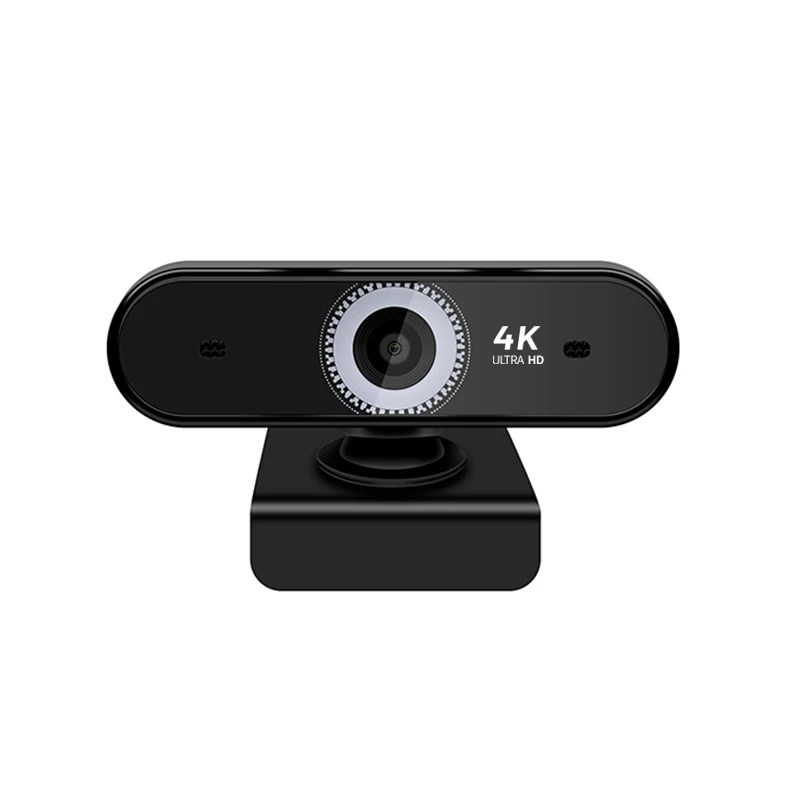
One of our popular products is the Camera 4K Utra Hd, which offers stunning 4K resolution and a wide range of features. This camera is ideal for content creators, live streamers, and anyone who needs to capture high-quality video.
We also offer Conference Room Camera 4K products that are specifically designed for use in conference rooms and other professional settings. These cameras feature wide-angle lenses, high-resolution sensors, and advanced audio technology to ensure clear and immersive video conferencing experiences.
Contact Us for More Information
If you're interested in learning more about our Camera 4K PC products or have any questions about the maximum recording time, please don't hesitate to contact us. Our team of experts is always ready to assist you and provide you with the information you need to make an informed decision.
Whether you're a professional content creator, a business owner, or just someone who wants to capture high-quality video, our Camera 4K PC products are the perfect choice. Contact us today to discuss your requirements and explore our range of products.

References
- "Understanding Video Bitrate and Resolution." TechSmith.
- "What is 4K Resolution?" Digital Trends.
- "Compression Codecs for Video." Wikipedia.


