


Hey there! As a supplier of 4K PC cameras, I've seen firsthand how crucial it is for these devices to perform well in different lighting conditions. Whether you're using a Camera 4K Utra Hd for personal vlogging, a Conference Webcam 4K for business meetings, or a Video Conferencing Camera 4K for online classes, the quality of the lighting can make or break your video. So, let's dive into how our 4K PC cameras handle various lighting scenarios.
Bright, Natural Light
When you're shooting in bright, natural light, like near a big window on a sunny day, our 4K PC cameras really shine. The high resolution of 4K means that every little detail gets captured clearly. The camera's sensors are designed to handle the high levels of light without overexposing the image. They automatically adjust the aperture, shutter speed, and ISO settings to keep the colors vibrant and the whites from looking like a big, washed - out blob.
For example, if you're doing a product review in front of a well - lit window, the camera will make sure that the colors of the product are true to life. You'll be able to see all the fine details, like the texture of the material or the small markings on the item. And because of the 4K resolution, even if you zoom in a bit, the image will still look sharp and clear.
Dim, Indoor Light
Now, let's talk about the opposite end of the spectrum: dim, indoor light. This is where a lot of cameras struggle, but our 4K PC cameras are up to the challenge. They have advanced low - light performance features. The sensors are more sensitive, which means they can pick up more light even in a dark room.
The cameras use noise - reduction technology to make sure that the image doesn't look grainy. When you're in a dimly lit office for a video conference, the camera will boost the brightness just enough to make your face visible. It'll also try to balance the colors so that you don't look like you're in a yellow or orange glow, which is a common problem in rooms with old - fashioned light bulbs.
The autofocus system also works well in low light. It can quickly lock onto your face or the subject you're filming, so you don't have to worry about the image being blurry. You can have a productive video call in a room with just a small desk lamp, and the other person on the call will still be able to see you clearly.
Backlighting
Backlighting is a tricky situation. It's when the light source is behind you, like when you're standing in front of a window at night or a bright lamp. A lot of cameras will make you look like a dark silhouette, but our 4K PC cameras have a solution.
They use a technique called backlight compensation. The camera analyzes the scene and adjusts the exposure settings to make sure that your face (or the main subject) is well - lit. It'll darken the bright background a bit while brightening up the foreground. So, if you're having a virtual meeting and there's a window with a beautiful sunset behind you, the camera will make sure that you're not just a shadow. You'll be able to have a normal conversation, and the people on the other end of the call will be able to see your expressions clearly.
Mixed Lighting
Mixed lighting is when you have different types of light sources in the same scene. For instance, you might have a fluorescent ceiling light and a warm table lamp in the same room. This can create uneven lighting and color differences.
Our 4K PC cameras are equipped with color correction algorithms. They can analyze the different color temperatures in the scene and adjust the image to make the colors look consistent. The camera will try to blend the different light sources together so that the overall image looks natural. Whether you're filming a presentation in a room with multiple light sources or having a casual chat with friends, the camera will keep the image looking good.
Artificial Light
Artificial light comes in many forms, like fluorescent, LED, or incandescent. Each type of light has a different color temperature, which can affect the way the image looks. Our 4K PC cameras are designed to adapt to these different types of artificial light.
With fluorescent lights, which often have a cool, blue - white tint, the camera will adjust the color balance to make the image look more natural. LED lights can vary widely in color, but the camera can quickly detect the color temperature and make the necessary adjustments. Incandescent lights, which have a warm, yellowish glow, are also handled well. The camera will make sure that your skin tone looks normal and not overly orange.
Why Choose Our 4K PC Cameras?
There are a few reasons why our 4K PC cameras are a great choice when it comes to handling different lighting conditions. First of all, the high - quality sensors are at the heart of the camera's performance. They're designed to be very sensitive to light and can quickly adapt to changing lighting situations.
The built - in software that controls the camera settings is constantly evolving. We're always updating it to improve the camera's performance in different scenarios. And because we're a supplier, we can offer you a great price without sacrificing quality.

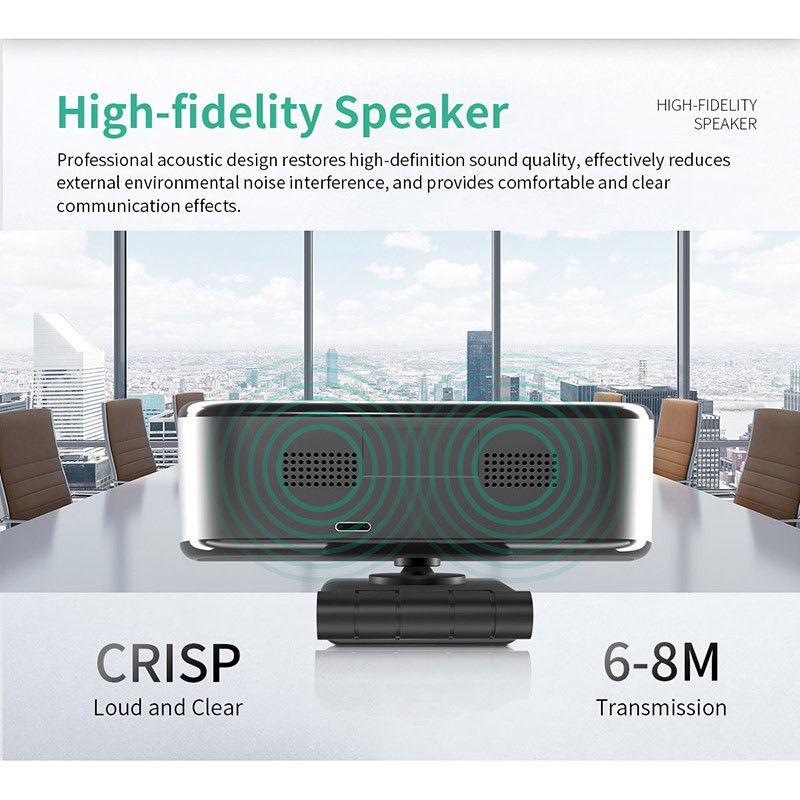
If you're in the market for a 4K PC camera, whether it's for personal use, business, or education, our cameras are a top choice. They'll give you the best possible video quality no matter what the lighting conditions are.
Contact Us for Purchase
If you're interested in our 4K PC cameras, we'd love to hear from you. Whether you're a small business looking for a reliable Conference Webcam 4K for your meetings or an individual who wants to upgrade their vlogging setup with a Camera 4K Utra Hd, we can help. We can discuss your specific needs and find the perfect camera for you. So, don't hesitate to reach out and start the conversation about purchasing one of our top - notch 4K PC cameras.
References
- Camera Technology Handbook: An in - depth look at how camera sensors and settings work.
- Lighting for Video: A guide on different lighting scenarios and how to optimize camera performance.


